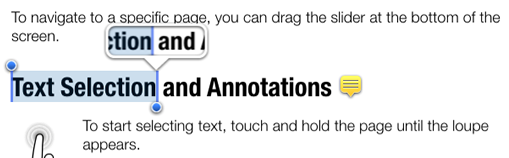
Highlighter is a powerful PDF reader with advanced annotation tools and an intuitive, polished interface.
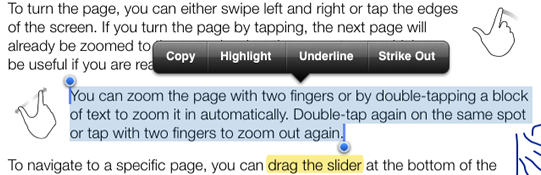
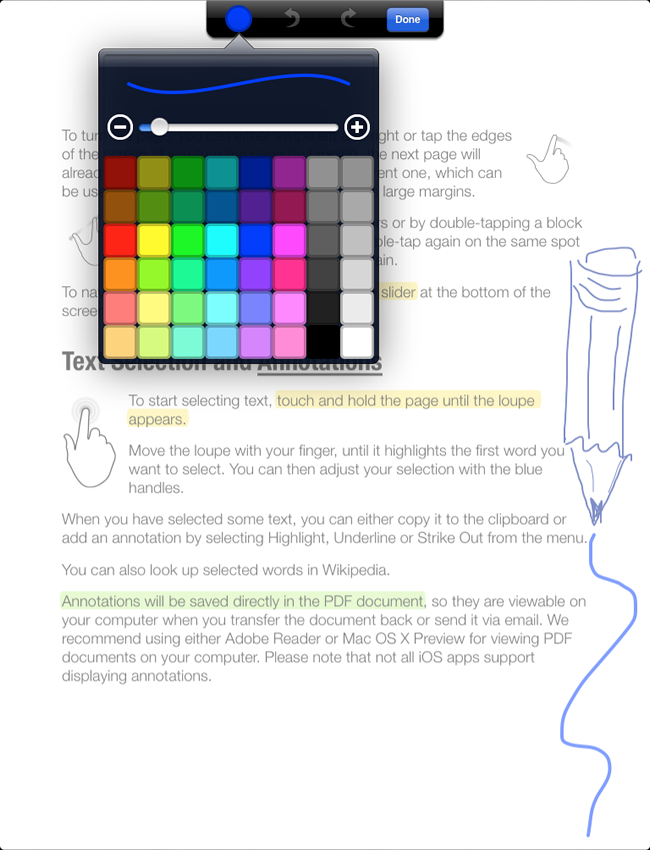
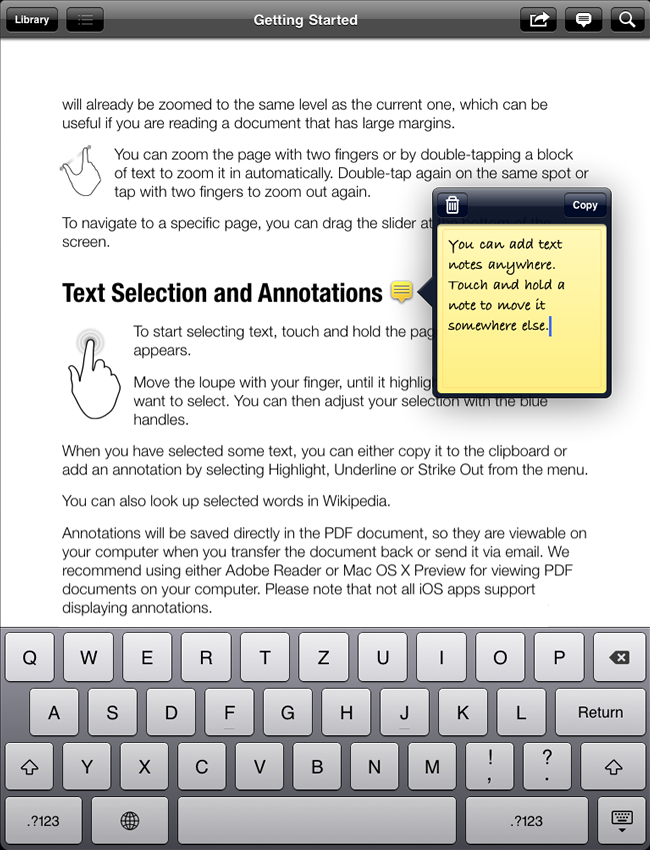
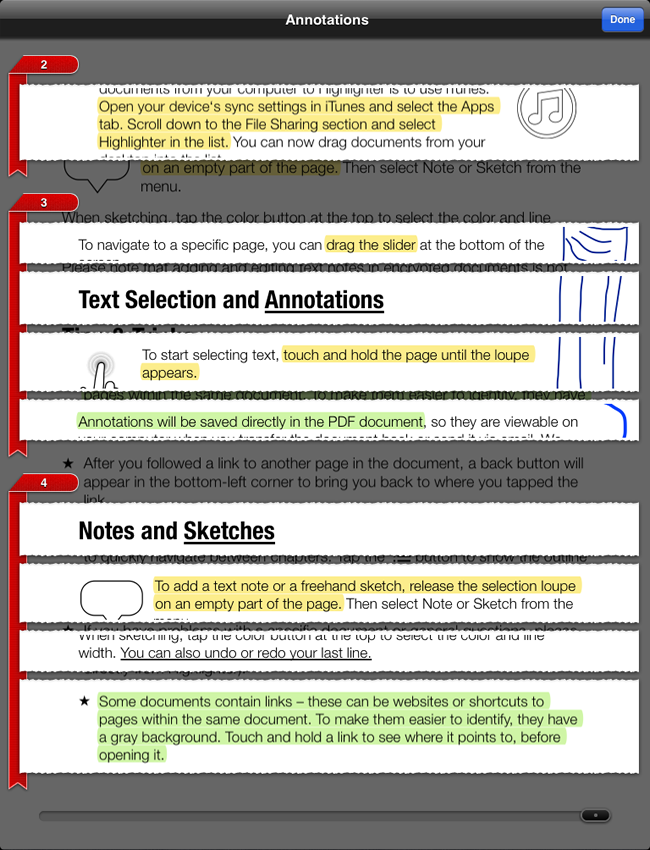
You can highlight important passages in your documents, add text notes and even freehand sketches — all saved directly to the PDF file, so that you can review them later on your Mac or PC using standard software like Acrobat Reader.
With the innovative clipping view you get a quick overview of all your annotations in the original page layout.
Highlighter also supports standard PDF features like links and outlines.
Please Note: The PDF Highlighter app has been discontinued, and it is no longer available on the App Store. If you purchased the app previously, you will still be able to download it from your purchase list.